What is robots.txt? How to add robots.txt on Nginx?
What is Robots.txt file?
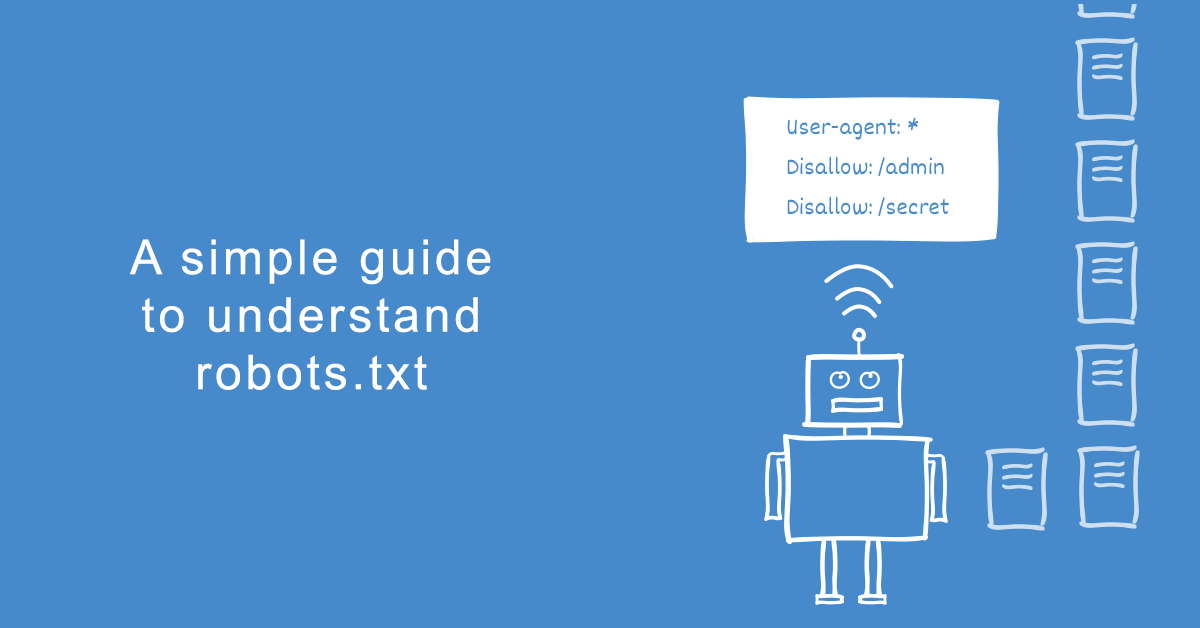
A robots.txt file tells search engine robots which pages it can or can't crawl from a site. Basically list of all pages of a website. Search engines read the list and don't have to look for new pages.
Example robots.txt file
You can see robots.txt file of NameOcean on nameocean.net/robots.txt. It includes below lines.
Got an idea? Find the perfect domain for it
Our AI domain name generator suggests available names across hundreds of extensions. Free SSL, DNS and Whois privacy included.
User-agent: *
Disallow: /recaptcha
Disallow: /tag/
Sitemap: https://nameocean.net/sitemap.xml
It says any search engine may crawl pages except "/tag" and "/recaptcha". Also it says that we have a sitemap on nameocean.net/sitemap.xml.
How to add robots.txt to your website?
If you are using a simple http server which servers every file on a path like /var/www, you can add robots.txt as a text file. We use nginx at nameocean and serve our robots.txt file from nginx. Here our nginx conf file.
server {
  listen 443 ssl;
  server_name nameocean.net;

  location = /robots.txt {
      add_header Content-Type text/plain;
      return 200 "User-agent: *\nDisallow: /recaptcha\nDisallow: /tag/\nSitemap: https://nameocean.net/sitemap.xml\n";
  }

  # ... other rules

}
To allow all web crawlers let crawl all pages:
User-agent: *
Disallow:
Got an idea? Find the perfect domain for it
Our AI domain name generator suggests available names across hundreds of extensions. Free SSL, DNS and Whois privacy included.