Simplifying Document Processing: How Modern Libraries Are Changing Web Development
The Office Document Nightmare (That's Getting Better)
If you've ever tried to parse Office documents in a web browser, you know the pain. Each format—Excel, Word, PowerPoint, PDF—requires different handling. You'd write one function to extract data from a PDF, then realize Excel needs completely different logic. It's the kind of problem that makes developers reach for that extra coffee.
But here's the thing: this friction point is exactly where modern web development is heading. More applications need to process documents on-the-fly, whether it's for AI summarization, content extraction, or format conversion. The barrier to entry shouldn't be writing hundreds of lines of custom parsing code.
Enter the Multi-Format Solution
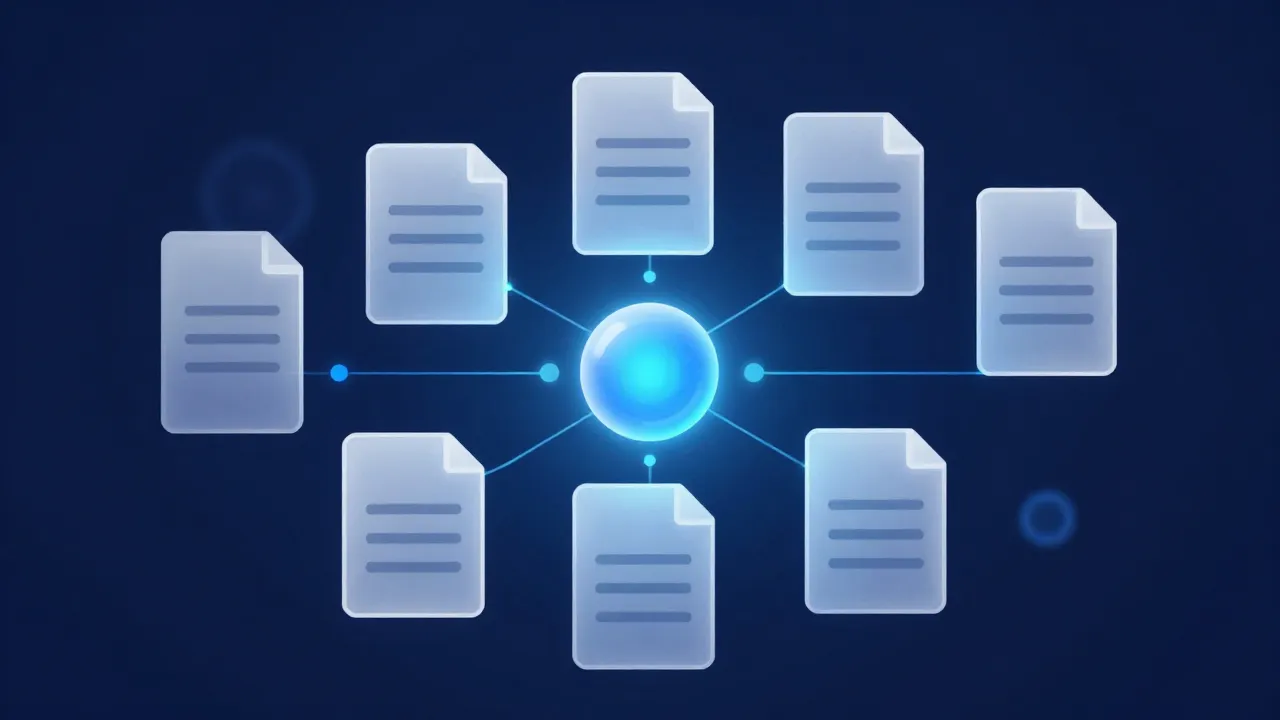
The beauty of modern JavaScript libraries is their ability to abstract complexity. When you can parse a document once and convert it to multiple formats using a single method, suddenly entire workflows become possible. Imagine this scenario:
- User uploads a PowerPoint presentation
- Your app extracts text for AI analysis
- Simultaneously generates HTML for web preview
- Exports as Markdown for documentation
- All without custom parsing for each format
That's not science fiction anymore. That's the reality developers are building with today's tooling.
Why This Matters for Your Stack
For developers at NameOcean working with cloud hosting and AI-powered solutions, this kind of document processing capability opens interesting possibilities. Think about:
AI Integration: Process customer documents, contracts, or technical specifications directly in the browser before sending to your AI models. You control the format, optimize for your specific use case.
Content Management: Build tools that accept multiple document formats and automatically normalize them. No more "sorry, we only accept PDFs."
Workflow Automation: Create serverless functions triggered by document uploads that instantly convert and distribute content to the right places.
The Code Gets Cleaner Too
Here's what makes this approach developer-friendly:
// Old way: custom parsing for each format
const getCSV = (excelAST) => {
    // 15+ lines of filtering, mapping, and string concatenation
    // Different logic for each file type
};

// New way: unified API
const text = await parsedDoc.to('text');
const markdown = await parsedDoc.to('md');
const html = await parsedDoc.to('html');
const csv = await parsedDoc.to('csv');
The difference? One is maintainable. One isn't.
Building Production Features
When you're developing features that need document processing, you have choices:
Client-side processing offers privacy advantages—files never leave the user's machine. Perfect for sensitive documents or when you want to reduce server load.
Server-side processing works better when you need reliability, can handle larger files, or want centralized logging and processing pipelines.
With flexible libraries handling the parsing, you can focus on the business logic: what do you do with that document after it's processed?
Real-World Applications for Your Projects
- Contract Review Tools: Upload a Word document, auto-extract key terms, pass to AI for analysis
- Knowledge Base Builders: Accept PDFs, convert to Markdown, populate your documentation system
- Data Migration: Accept various Office formats, standardize to CSV or JSON for database import
- Accessibility Features: Convert documents to multiple formats to serve different user needs
Looking Forward
The evolution from "this file format requires custom code" to "this API handles all formats" represents a broader trend in web development. We're seeing more libraries abstract the painful parts, letting developers focus on what makes their product unique.
Whether you're building on NameOcean's cloud hosting or managing your own infrastructure, having clean, reliable document processing tools means you can iterate faster on features that actually matter to your users.
The takeaway? Stop writing custom parsing logic. Use modern tools that handle the boring stuff, so you can focus on building something interesting.