Certificati SSL Wildcard Gratuiti in Pochi Minuti

Come?
Generiamo certificati wildcard utilizzando il loro server ACME tramite la convalida DNS Challenge. Poiché utilizziamo DNS Challenge, devi usare NameOcean DNS per generare SSL. Viene rinnovato automaticamente e generato gratuitamente come SSL wildcard.
Che cos'è un wildcard SSL?
Un certificato SSL wildcard è un certificato digitale che viene applicato a un dominio e a tutti i suoi sottodomini. Ad es. example.com e *.example
Certificato SSL Ampiamente Affidato
I nostri certificati SSL gratuiti sono affidabili nel 99,9% di tutti i principali browser.
Qual è il costo?
We don't charge any fee for domains on NameOcean. You can buy a new domain or transfer your domain and use our free services like ssl and dns immediately. If you need help transferring your domain, check our tutorial: How to transfer a domain to NameOcean?
Non preoccuparti se non puoi trasferire il tuo dominio. Costa solo $0,50 al mese per i nomi di dominio esterni.
What is Let's Encrypt?
Let's Encrypt is a free certificate authority developed by the Internet Security Research Group (ISRG).
Let's Encrypt provide two types of certificates. The standard single domain SSL and the Wildcard SSL, which covers not only a single domain, but all of its subdomains too. Both types of SSL certificates are issued for a period of 90 days. NameOcean generates Let's Encrypt Wildcard certificates automatically. These certificates are domain-validated, don't require a dedicated IP.
Come generare un certificato SSL su NameOcean?
Puoi generare e scaricare il tuo certificato SSL dal dashboard di NameOcean con un solo clic.
Go to NameOcean SSL dashboard now to generate your SSL certificate. For detailed instructions you can follow the tutorial, How to create free SSL on NameOcean?
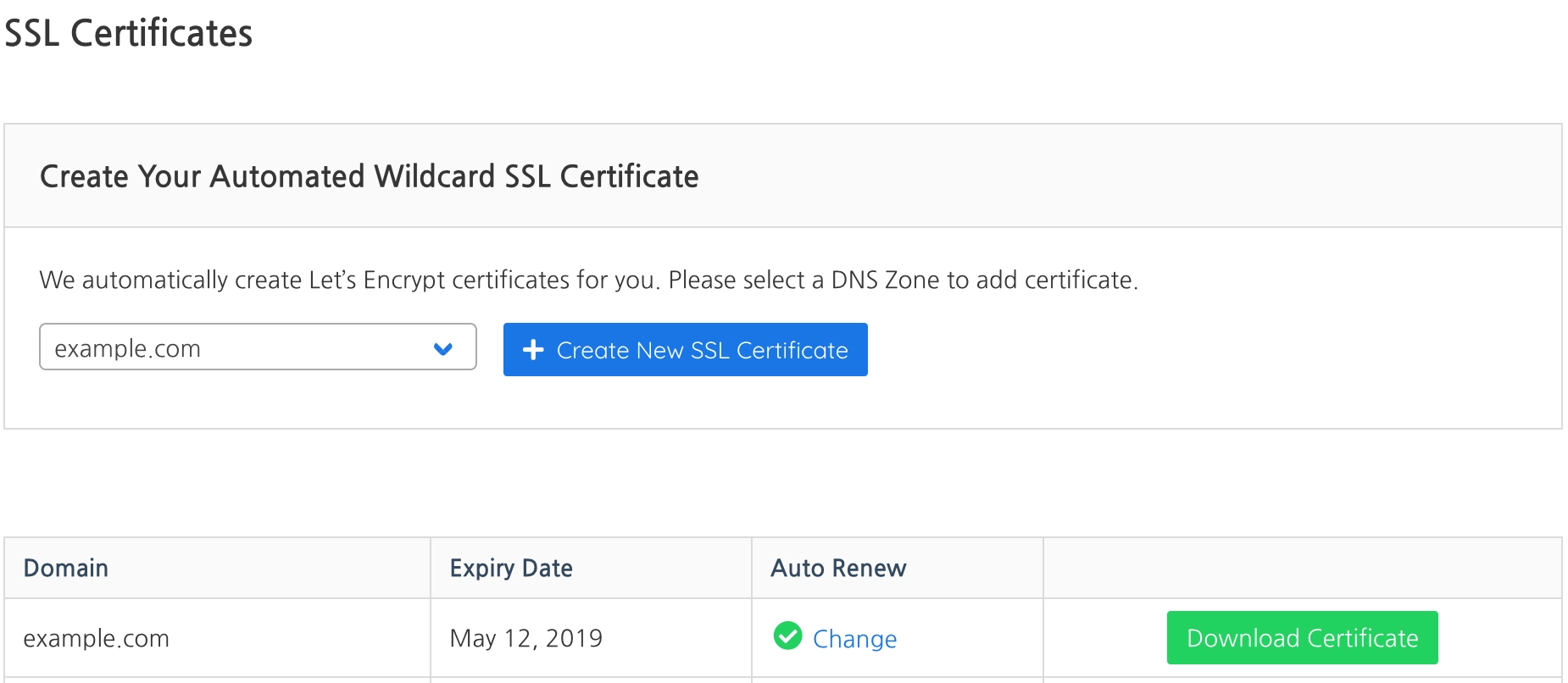
Nota: l'unico metodo di verifica per generare un certificato SSL Wildcard è la sfida DNS di Let's Encrypt. Devi utilizzare il DNS di NameOcean per generare l'SSL.
You can create a new DNS Zone on NameOcean DNS dashboard. Then set your domain name's nameservers as:
- Nameserver 1: ns1.nameocean.net
- Nameserver 2: ns2.nameocean.net
- Nameserver 3: ns3.nameocean.net
- Nameserver 4: ns4.nameocean.net