Open-Source Design Tools Are Changing How Developers Build Interfaces—Here's Why You Should Care
The Design Bottleneck No One Talks About
Let's be honest: most developers hate design tools. You've got your favorite code editor, your terminal workflow dialed in, your deployment pipeline optimized—and then you need to create a UI mockup, and suddenly you're wrestling with someone else's design software.
The traditional setup forces a hard separation between design and code. Designers work in one ecosystem, developers in another. Files get passed back and forth. Specs get misinterpreted. Implementations drift from the original vision. It's friction, pure and simple.
What if you could generate production-ready interfaces directly from your development environment?
The Rise of Local-First, AI-Powered Design
A new breed of open-source design tools is changing this dynamic. Instead of designing for developers, these tools are designed by developers—and that's a critical difference.
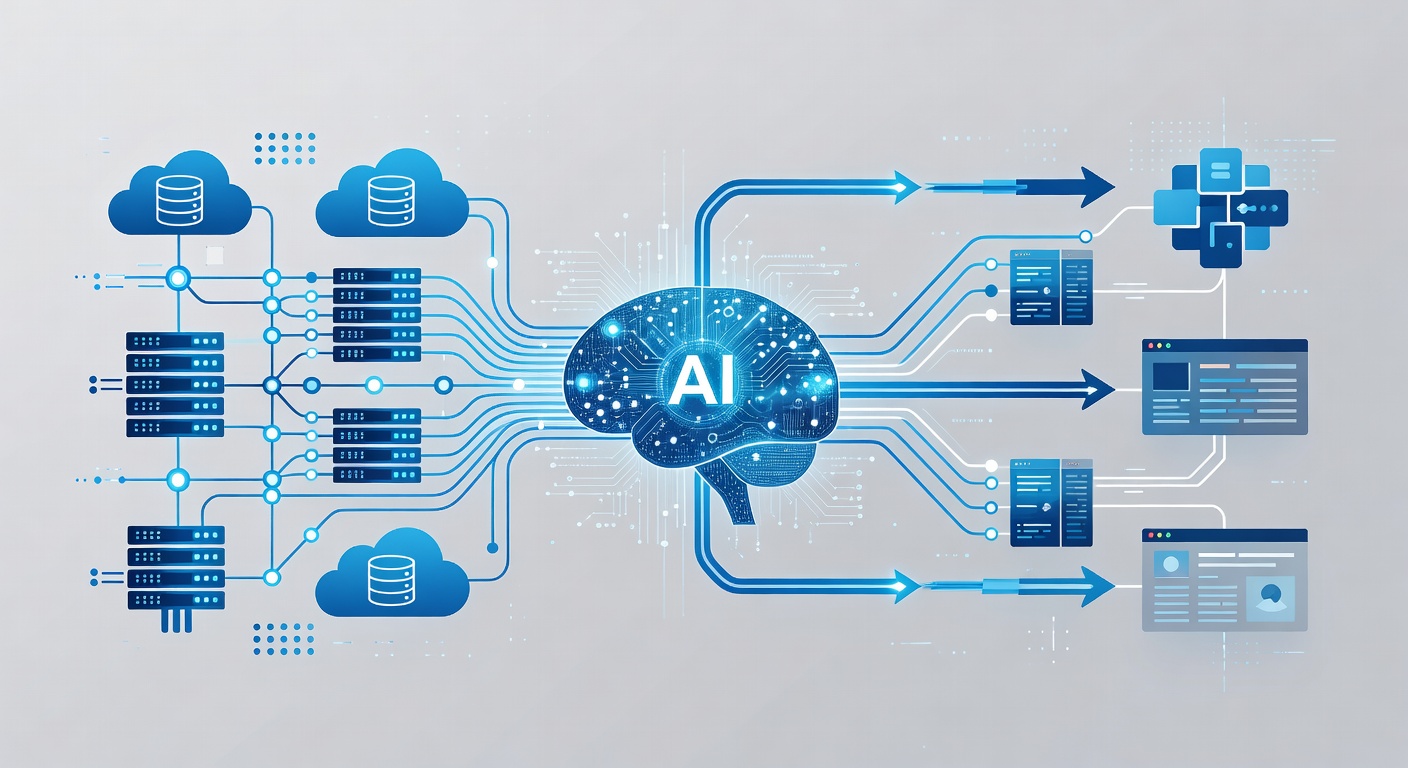
The key innovation here is local-first architecture. Your design assets live on your machine, under your control, version-controlled alongside your code. No cloud dependency. No permission issues. No waiting for sync. You can integrate design generation into your CI/CD pipeline, your development workflow, your git commits.
Pair that with support for multiple AI models—Claude, Gemini, Copilot, Qwen, and others—and you get real flexibility. You're not locked into one vendor's API or pricing model. You can choose the AI backbone that makes sense for your project, switch between them, or run entirely offline with local models.
What These Tools Actually Do
Here's where it gets practical. Modern open-source design platforms typically handle:
Multi-Format Generation: Web prototypes, desktop interfaces, mobile layouts, presentation slides—all from the same design system. One source of truth, infinite outputs.
Design System Consistency: Pre-built, brand-grade design systems eliminate the "what shade of blue?" decision paralysis. Consistency across platforms just works.
Export Everything: HTML for rapid prototyping. PDF for stakeholder reviews. PPTX for presentations. MP4 for animated demos. The formats developers actually need.
Sandboxed Previews: Test your generated interfaces in isolated environments before deployment. No risk of breaking production.
Skill Stacking: These tools typically ship with 15-20+ pre-built capabilities—typography systems, spacing scales, color palettes, component libraries. You're not starting from zero.
Why This Matters for Your Stack
Vendor Independence: Open-source tools mean no surprise pricing changes, no feature deprecation, no account suspension risk. The codebase is yours to fork, modify, contribute to.
Workflow Integration: Local-first architecture means design generation can live in your development pipeline. Automated design updates on every commit? Possible.
No Designer Tax: For small teams and solo developers, you suddenly have sophisticated design capabilities without hiring a dedicated designer or paying $100+/month for SaaS tools.
AI Model Flexibility: As new models emerge—and they will—you're not stuck with whatever Anthropic or Google decides is the "official" integration. You choose your AI backbone.
The Realistic Take
These tools aren't magic. They're not replacing human designers on complex projects requiring brand strategy and user research. Where they shine is in:
- Rapid prototyping: Get from concept to clickable prototype in minutes
- Cross-platform generation: Design once, export to web, mobile, desktop
- Developer-driven design: Teams where developers have design sensibility but no designer
- Iteration velocity: Quick changes without the design tool context-switching tax
Getting Started
The barrier to entry is basically zero. Clone the repository. Read the docs. Run it locally. Point it at your preferred AI model—or use an open model that runs on your hardware. Start generating interfaces.
The generated code is typically clean, semantic HTML/CSS with no proprietary dependencies. It integrates with your existing frameworks and build tools. You're not locked into a walled garden.
The Bigger Picture
What we're seeing is the same trend that's transforming other development workflows: moving intelligence closer to the developer. Just like AI coding assistants are changing how we write backend code, AI-powered design tools are democratizing interface creation.
Local-first, open-source, multi-model support—these aren't just features. They're the foundation for sustainable developer tools that respect your autonomy and integrate into your workflow, not dictate it.
The future of design tools isn't prettier Figma. It's design automation you control, in environments you own, powered by AI models you choose.
That's worth paying attention to.