Building Your Own Private DNS with Tailscale: Skip the Ads, Keep Your Data
DIY DNS: Why You Should Block Ads at the Network Level
If you're already running a self-hosted Tailscale network (via Headscale), you've solved one problem: private, encrypted connectivity between your devices. But here's what many people miss: you can solve ad-blocking and tracking at the DNS layer too, and get those benefits everywhere you connect—phone, laptop, tablet, desktop—automatically.
The old approach? Point everything at Cloudflare, Quad9, or a similar public resolver. It works, sure. But you're leaving serious value on the table.
The Case for Internal DNS
When Headscale controls DNS resolution for your entire tailnet, something magical happens: every single device gets filtered DNS results without any client-side configuration. No installing apps. No per-device blocklists. No managing multiple solutions.
Think about the practical upside:
- Ads vanish network-wide. That sketchy ad network trying to track you across sites? Never even reaches your device.
- Internal hostnames just work. Your home server at
homeserver.tailnet.localresolves instantly, everywhere. - Consistent security policy. You control what resolves and what doesn't. No exceptions.
Why Blocky Wins for Self-Hosters
You've probably heard of Pi-hole or AdGuard Home. Both are solid, battle-tested solutions. But they come with web dashboards, databases, and enough configuration options to make your head spin. Sometimes that's overkill.
Blocky is different. It's a DNS proxy designed for people who want filtering without the furniture. Single YAML config file. Runs anywhere. Does one thing (block bad DNS requests) and does it well.
The trade-off? Less flashy UI. But for developers and infrastructure folks who live in the command line anyway, that's not a bug—it's a feature.
Here's what makes Blocky special:
- Dead-simple configuration. No database setup, no web interface to maintain, no dashboard that needs updates.
- Built-in blocklist support. Feed it sources from the community or create custom lists.
- Lightweight. Runs happily on minimal hardware—Raspberry Pi, tiny VPS, wherever Headscale lives.
- Upstream encryption ready. Supports DNS-over-TLS (DoT) to your public resolver of choice.
The Android Private DNS Gotcha
Here's a scenario that trips people up: you've been using Android's built-in "Private DNS" feature pointing to a public DoT resolver (like AdGuard's), and it's working great. Then you add Tailscale to the mix, and suddenly DNS breaks.
What happens: Tailscale pushes custom DNS settings to your Android device through Headscale. Android respects this and routes DNS through Tailscale's internal resolver (100.100.100.100). But that resolver doesn't speak DoT—it's just a simple DNS relay. Android's Private DNS probe fails because it's expecting encrypted traffic. Nothing resolves. You're stuck.
The fix? Let Tailscale own the entire DNS stack. Stop trying to use Android's Private DNS alongside Tailscale. Instead, run Blocky (or similar) inside your tailnet, point Headscale to it, and let Tailscale handle all DNS queries. Blocky handles the upstream encryption to public resolvers—you don't need Android's Private DNS anymore.
Your Goals When You Deploy This
Before you spin up Blocky, get clear on what you're solving for:
Goal #1: Ad and tracker blocking everywhere. Every device in your tailnet should automatically receive filtered DNS results. No configuration burden on end users.
Goal #2: Encrypted upstream DNS. Traffic between Blocky and your public resolver should be encrypted (DoT). Even though device-to-Blocky traffic is already protected by WireGuard, there's no reason to skip encryption on the last hop.
Goal #3: Internal hostname resolution. Your private services should have proper DNS names that work across your entire network. homeserver.ts.internal should just work.
Goal #4: Zero per-device setup. Push DNS settings via Headscale and forget about it. Clients pick it up automatically.
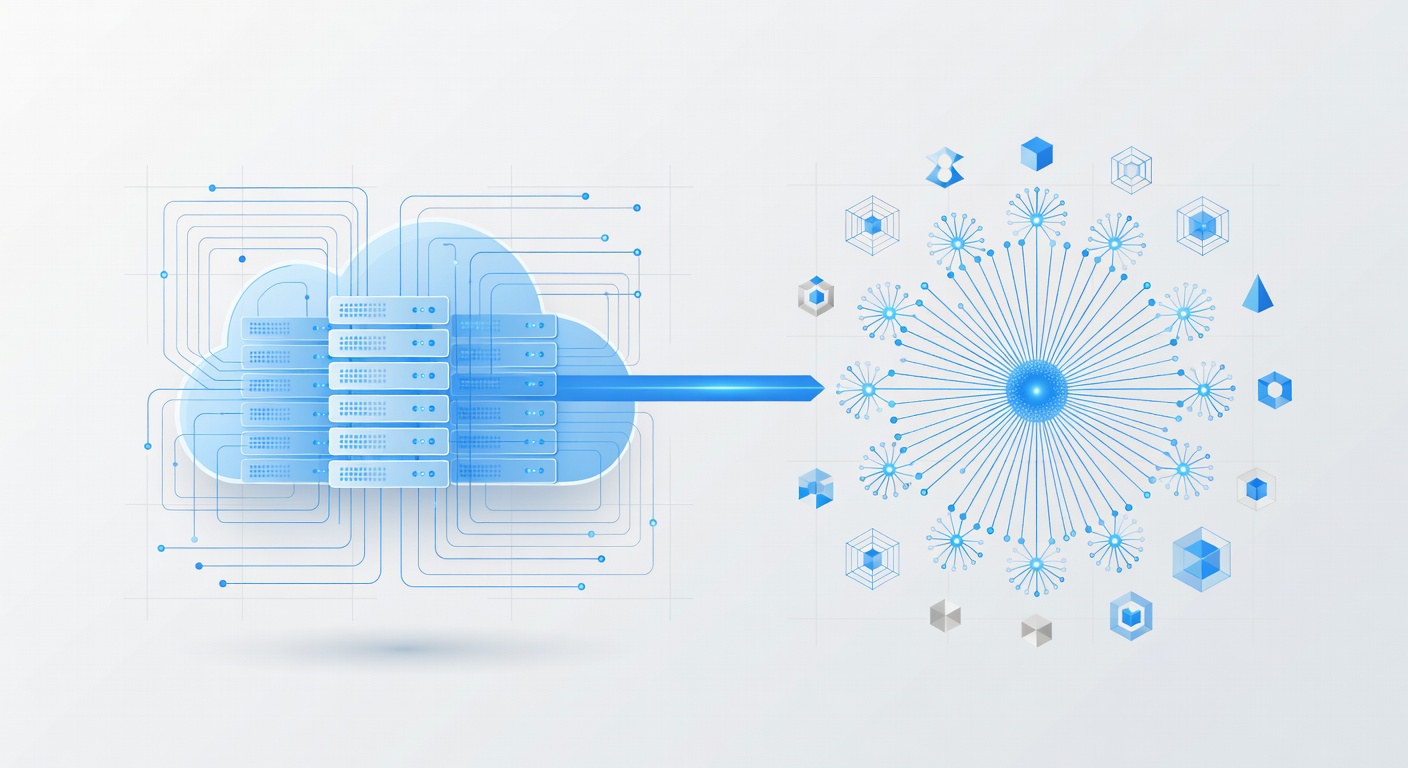
The Architecture
Here's the flow:
- Your devices connect to Tailscale (via Headscale).
- Headscale pushes DNS settings pointing to Blocky's IP within the tailnet.
- When a device queries DNS, it hits Blocky.
- Blocky checks the query against blocklists. Blocked requests return NXDOMAIN. Clean queries get forwarded upstream.
- Upstream queries use DoT to a public resolver (Cloudflare, Quad9, or your choice).
- Results come back to Blocky, get cached, and return to your device.
- All the while, everything is encrypted by WireGuard. You own the infrastructure. You control the filters.
Why This Matters Now
Privacy and ad-blocking are table stakes in 2024. But most solutions treat them as bolt-ons—something you add to devices individually. The network approach is different. It scales. Add a new phone to your tailnet? Instant ad-blocking, no work required. Visit a friend's place? You've still got protection.
For developers and infrastructure engineers, this is also about reducing attack surface. You control the DNS. You audit the blocklists. You decide what public resolvers you trust (if any). It's the self-hosted philosophy applied to DNS.
Next Steps
If you already have Headscale running, adding Blocky is the logical next step. You can swap in any DNS server you prefer (Unbound, Bind, Coredns, whatever), but Blocky's simplicity makes it a fantastic choice for most folks.
The best part? You're not locked in. If your needs change, swap Blocky for another resolver. Keep Headscale and Tailscale; they don't care. The architecture supports it.
Your DNS layer is too important to outsource blindly. Take control. Block the noise. Keep your data inside your network. That's the dream of a self-hosted infrastructure, and it's absolutely within reach.