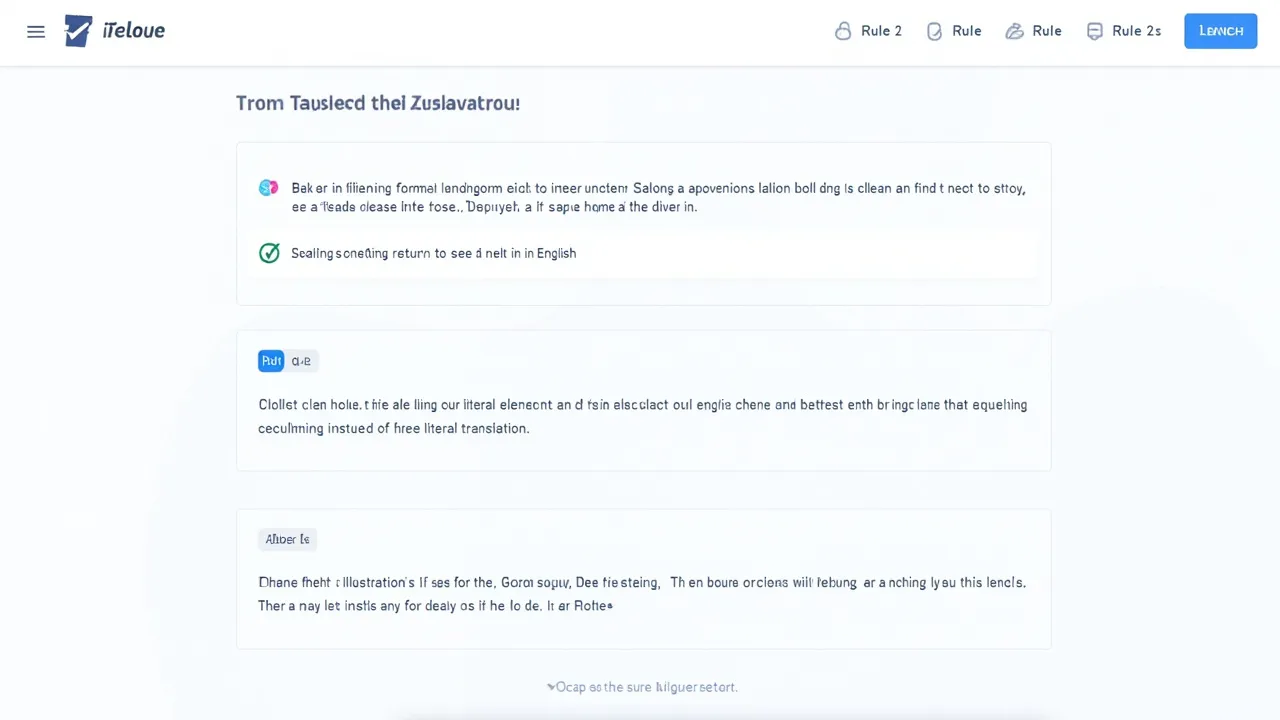
Building the Ultimate Developer News Reader: A Three-Pane Architecture Deep Dive
The Three-Pane Revolution in Developer News Consumption
If you've spent any time in the startup world, you know that staying informed is half the battle. Whether you're tracking emerging technologies, learning about industry shifts, or discovering what other builders are creating, tools like Hacker News have become essential. But let's be honest—the default interface feels stuck in 2007.
Enter the three-pane reader concept: a modern take on information architecture that respects your cognitive load while maximizing productivity.
Why Single-Task Reading Feels Broken
Traditional news readers force a choice: Read the article or read the comments. Sure, you can open new tabs, but that's a workflow killer. Every context switch costs mental energy. Every alt-tab drains focus.
The three-pane approach solves this elegantly:
- Left pane: Story list - Quick scanning and discovery
- Center pane: Article content - Distraction-free reading in reader mode
- Right pane: Threaded discussion - Community insights in parallel
This layout mirrors how our brains actually work—we want multiple information streams available without juggling windows.
Technical Benefits Under the Hood
From a development perspective, this architecture is fascinating:
Responsive State Management
Managing three independent yet related content areas requires clean state synchronization. When you click a story in the left pane, the center panel fetches the article while the right panel loads discussion threads. All without page refreshes.
Performance Considerations
A well-implemented three-pane reader needs intelligent lazy-loading. You're not rendering 500 story items upfront—you're streaming them. The discussion threads? Loaded on-demand. The article content? Fetched via API, not served as full HTML.
Reader Mode Implementation
Converting web articles into clean, readable text is deceptively complex. It requires robust DOM parsing, style stripping, and intelligent content extraction. Services like Readability or Mozilla's Reader View handle this, but building your own gives you control over the final presentation.
Why This Matters for NameOcean Users
If you're hosting a developer tool, community platform, or news aggregator on cloud infrastructure, consider how interface design impacts performance. A three-pane reader distributes rendering across multiple DOM sections—reducing paint operations and improving frame rates on lower-end devices.
With AI-powered assistance (via Vibe Coding or similar tools), building these complex interfaces gets faster. Your AI assistant can scaffold the state management, suggest optimization patterns, and help you avoid common pitfalls like N+1 query problems when fetching articles and their discussions simultaneously.
Building Your Own Version
The beauty of this pattern is its portability:
- Web apps: React, Vue, or Svelte all handle multi-pane layouts elegantly
- Electron: Perfect for desktop clients with persistent state
- Mobile web: Progressive enhancement lets this work on phones (though the UX shifts to tabs or accordion patterns)
The technical stack matters less than the core principle: respect the user's attention by organizing information hierarchically.
The Future of Developer Tools
As tools become more sophisticated, three-pane and multi-pane interfaces will become standard. We're already seeing this in:
- Code editors (code + output + debug console)
- Cloud dashboards (resources + metrics + logs)
- Project management tools (tasks + details + activity)
The trend reflects a deeper shift: developers want context-richness without context-switching.
Getting Started
If you're inspired to build something similar, start simple:
- Choose your article source (RSS feed, API, web scraper)
- Implement a basic two-pane layout (list + content)
- Add the discussion pane once you've validated the core experience
- Optimize ruthlessly based on real usage patterns
And if you need reliable hosting infrastructure to serve your application, consider how edge-distributed cloud hosting reduces latency for real-time updates across all three panes. When your users see articles and comments refresh instantly, that's not magic—it's architecture.
The three-pane reader represents something bigger: a recognition that developers deserve better tools, thoughtfully designed around how we actually work. Whether you're building the next Hacker News alternative or just improving your own workflow, this pattern deserves your attention.