Daqiqalar ichida bepul wildcard SSL sertifikatlari

Qanday?
Biz ACME serveridan foydalanib DNS Challenge validatsiyasidan foydalanib wildcard sertifikatlari yaratamiz. Biz DNS Challenge ishlatganimiz uchun, SSL yaratish uchun NameOcean DNS ishlatishingiz kerak. U avtomatik ravishda qayta yangilanadi va bepul wildcard SSL hosil qiladi.
Wildcard SSL nima?
Wildcard SSL sertifikati – domen va uning barcha subdomenlariga qo'llaniladigan raqamli sertifikat. Masalan, example.com va *.example
Keng foydalanilgan SSL sertifikati
Bizning bepul SSL sertifikatlari 99,9% barcha asosiy brauzerlarida ishonchli.
Bu qancha turadi?
We don't charge any fee for domains on NameOcean. You can buy a new domain or transfer your domain and use our free services like ssl and dns immediately. If you need help transferring your domain, check our tutorial: How to transfer a domain to NameOcean?
Xavotir olmang, agar siz domeningizni o'tkazolmaysiz. Tashqi domen nomlari uchun faqat 0,5 $/oy turadi.
What is Let's Encrypt?
Let's Encrypt is a free certificate authority developed by the Internet Security Research Group (ISRG).
Let's Encrypt provide two types of certificates. The standard single domain SSL and the Wildcard SSL, which covers not only a single domain, but all of its subdomains too. Both types of SSL certificates are issued for a period of 90 days. NameOcean generates Let's Encrypt Wildcard certificates automatically. These certificates are domain-validated, don't require a dedicated IP.
NameOcean-da SSL sertifikatni qanday yaratish kerak?
Siz NameOcean boshqaruv panelida faqat bitta bosish bilan SSL sertifikatini yaratishingiz va yuklab olishingiz mumkin.
Go to NameOcean SSL dashboard now to generate your SSL certificate. For detailed instructions you can follow the tutorial, How to create free SSL on NameOcean?
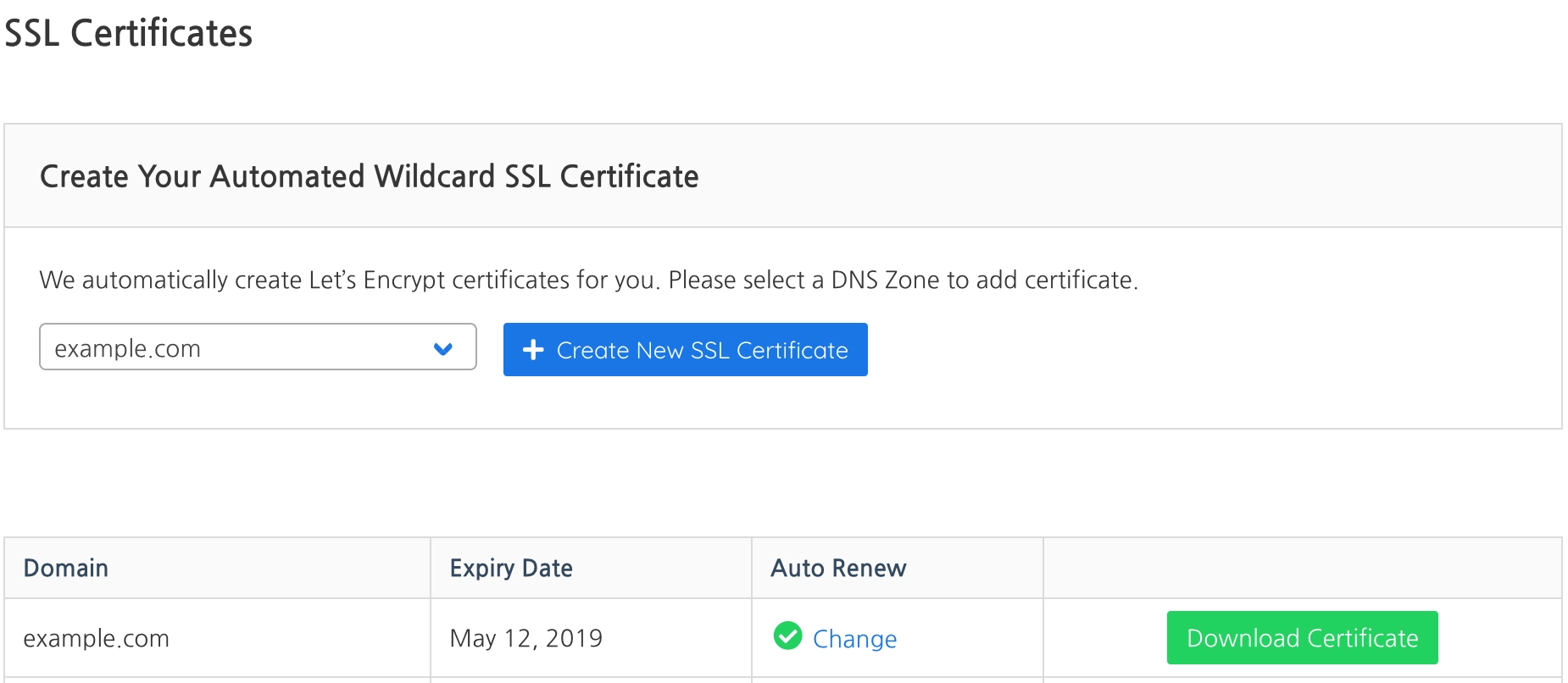
Izoh: Wildcard SSL sertifikatni yaratishning yagona tasdiqlanish usuli Let's Encrypt-ning DNS muammosi. SSL yaratish uchun NameOcean DNS-dan foydalanishingiz kerak.
You can create a new DNS Zone on NameOcean DNS dashboard. Then set your domain name's nameservers as:
- Name Server 1: ns1.nameocean.net
- Name Server 2: ns2.nameocean.net
- Name Server 3: ns3.nameocean.net
- Name Server 4: ns4.nameocean.net