Δωρεάν Wildcard SSL Πιστοποιητικά σε Λίγα Λεπτά

Πώς;
Δημιουργούμε wildcard πιστοποιητικά χρησιμοποιώντας τον ACME διακομιστή τους χρησιμοποιώντας DNS Challenge επικύρωση. Καθώς χρησιμοποιούμε DNS Challenge, πρέπει να χρησιμοποιήσετε NameOcean DNS για να δημιουργήσετε SSL. Ανανεώνεται αυτόματα και δημιουργείται δωρεάν wildcard SSL.
Τι είναι wildcard SSL;
Ένα wildcard SSL πιστοποιητικό είναι ένα ψηφιακό πιστοποιητικό που εφαρμόζεται σε ένα τομέα και όλους τους υποτομείς του. Π.χ. example.com και *.example
Ευρέως Αξιόπιστο SSL Πιστοποιητικό
Τα δωρεάν πιστοποιητικά SSL μας είναι αξιόπιστα στο 99,9% όλων των κύριων περιηγητών.
Ποιο είναι το κόστος;
We don't charge any fee for domains on NameOcean. You can buy a new domain or transfer your domain and use our free services like ssl and dns immediately. If you need help transferring your domain, check our tutorial: How to transfer a domain to NameOcean?
Μην ανησυχείτε εάν δεν μπορείτε να μεταφέρετε τον τομέα σας. Κοστίζει μόνο $0,5 ανά μήνα για εξωτερικά ονόματα τομέων.
What is Let's Encrypt?
Let's Encrypt is a free certificate authority developed by the Internet Security Research Group (ISRG).
Let's Encrypt provide two types of certificates. The standard single domain SSL and the Wildcard SSL, which covers not only a single domain, but all of its subdomains too. Both types of SSL certificates are issued for a period of 90 days. NameOcean generates Let's Encrypt Wildcard certificates automatically. These certificates are domain-validated, don't require a dedicated IP.
Πώς να δημιουργήσετε ένα πιστοποιητικό SSL στο NameOcean;
Μπορείτε να δημιουργήσετε και να κατεβάσετε το πιστοποιητικό SSL σας στο ίνα NameOcean με ένα μόνο κλικ.
Go to NameOcean SSL dashboard now to generate your SSL certificate. For detailed instructions you can follow the tutorial, How to create free SSL on NameOcean?
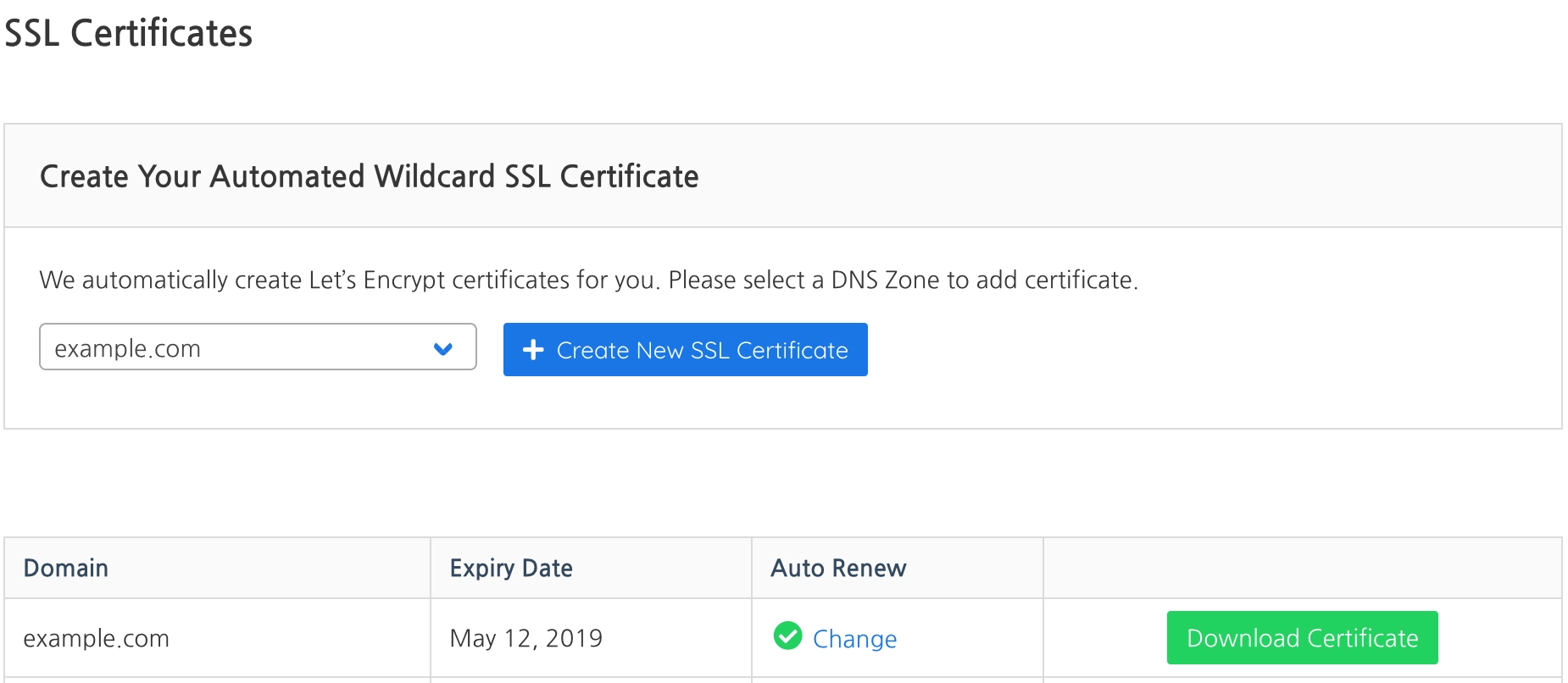
Σημείωση: Η μόνη μέθοδος επαλήθευσης για τη δημιουργία πιστοποιητικού Wildcard SSL είναι η DNS πρόκληση του Let's Encrypt. Πρέπει να χρησιμοποιήσετε NameOcean DNS για να δημιουργήσετε SSL.
You can create a new DNS Zone on NameOcean DNS dashboard. Then set your domain name's nameservers as:
- Nameserver 1: ns1.nameocean.net
- Nameserver 2: ns2.nameocean.net
- Nameserver 3: ns3.nameocean.net
- Nameserver 4: ns4.nameocean.net